problem

Comments
-
See this topic :
https://forum.z8games.com/discussion/319365/failed-to-connect-to-server/p1
1. add game on antivirus and firewall exception,
2. port forward 13008 and 16666 inside your router (for noth TCP and UDP).
3. reset PC network connection and flush DNS , as instructed on the link above (run command prompt as administrator)
P.S. Example of adding game as exception on windows firewall and port forward inside router :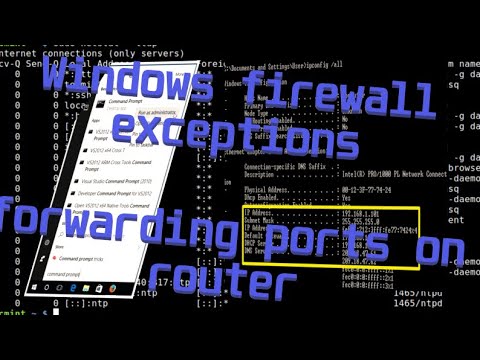 https://www.youtube.com/watch?v=uHV0TgVKNZQ
4. Check latest version number inside version.ini, see this topic :
https://forum.z8games.com/discussion/6911339/definitive-version-ini-workaround
5. Nothing work then send a support ticket.Gamer since 1997
![[MOD]ShadowRo](https://z8games.akamaized.net/cfna/forum/customavatars/33/navatar_7597733.gif)

Categories
- All Categories
- Z8Games
- Off-Topic - Go To Game OT Forums
- 1 Z8 Forum Discussion & Suggestions
- 16 Z8Games Announcements
- Rules & Conduct
- 5.5K CrossFire
- 1.1K CrossFire Announcements
- 1.1K Previous Announcements
- 2 Previous Patch Notes
- 1.4K Community
- 124 Modes
- 644 Suggestions
- 86 Clan Discussion and Recruitment
- 277 CF Competitive Forum
- 19 CFCL
- 26 Looking for a Team?
- 760 CrossFire Support
- 64 Suggestion
- 127 Bugs
- 30 CrossFire Guides
- 178 Technical Issues
- 49 CrossFire Off Topic