No fix for this yet?

Check it out: 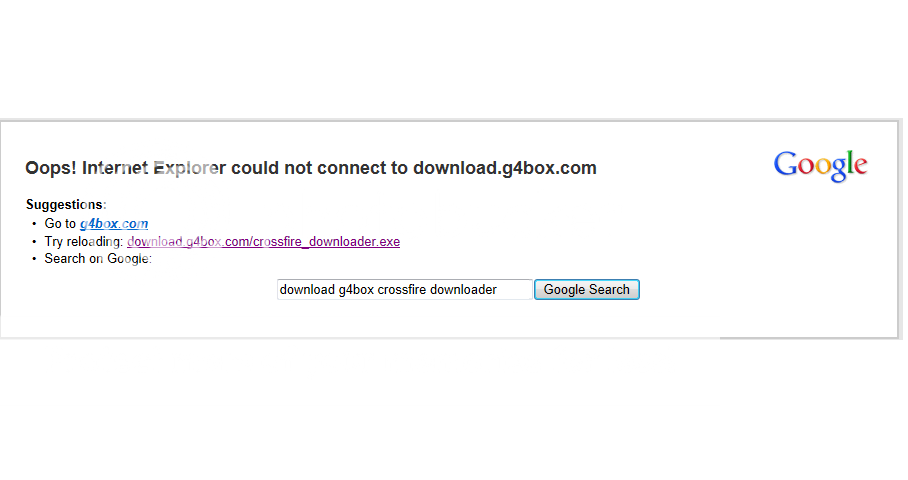
Shows a server error, and I can't download the reguler Crossfire... I'm pretty sure that it's not my computer connection, but if it is, just let me know and I'll see if i can fix it... If not though, give me so advice on how to fix it... Or just say "There is nothing we can do for you..." I'm just wondering though, how does this happen?
Shows a server error, and I can't download the reguler Crossfire... I'm pretty sure that it's not my computer connection, but if it is, just let me know and I'll see if i can fix it... If not though, give me so advice on how to fix it... Or just say "There is nothing we can do for you..." I'm just wondering though, how does this happen?
Comments
-
Try using Google Chrome.
I just downloaded and is fine.
Ok just an update...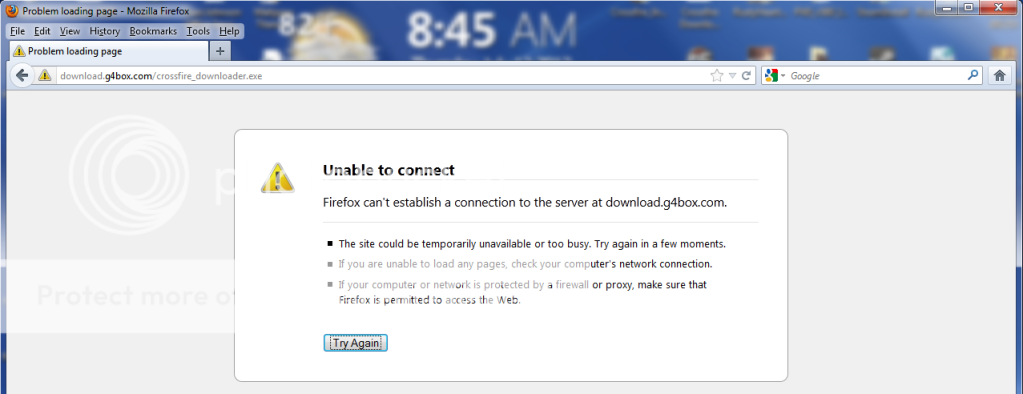
^This is Firefox, same problem^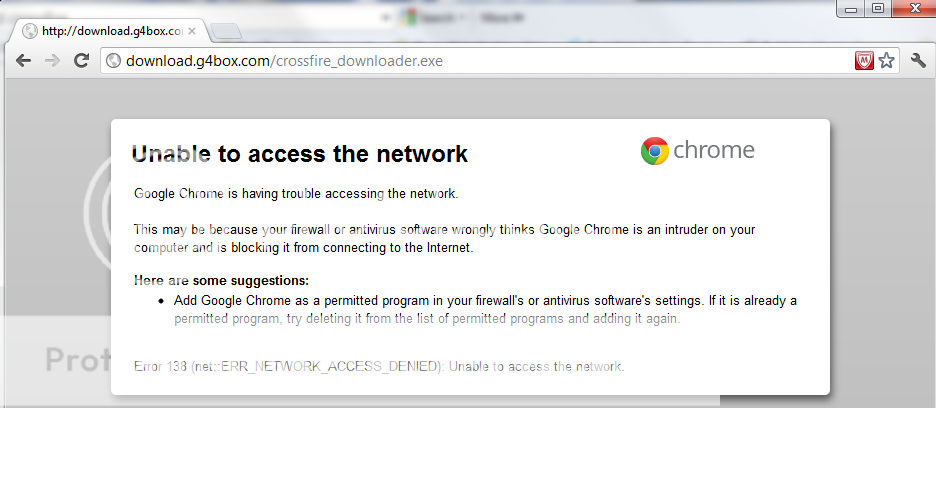
^This is Google Crome. I just downloaded Crome, and tried to download Crossfire, but no success...^
I guess I'll just look for a different site... Thx =D -
Ok just an update...
^This is Firefox, same problem^
^This is Google Crome. I just downloaded Crome, and tried to download Crossfire, but no success...^
I guess I'll just look for a different site... Thx =D
There are many other sites to download CF like:
http://www.netzwelt.de/download/15805-cross-fire.html
Its german but i thinks you ll be able to download it. If not
search another site
-
Well... now it's getting complicated and annoying... I went to the german site(http://www.netzwelt.de/download/15805-cross-fire.html
) and I understood everything (Thx to google translate), but the download link works off the same server as the Crossfire site does. So thesame error came up. I did however find another site where I could download Crossfire: http://cross-fire.en.softonic.com/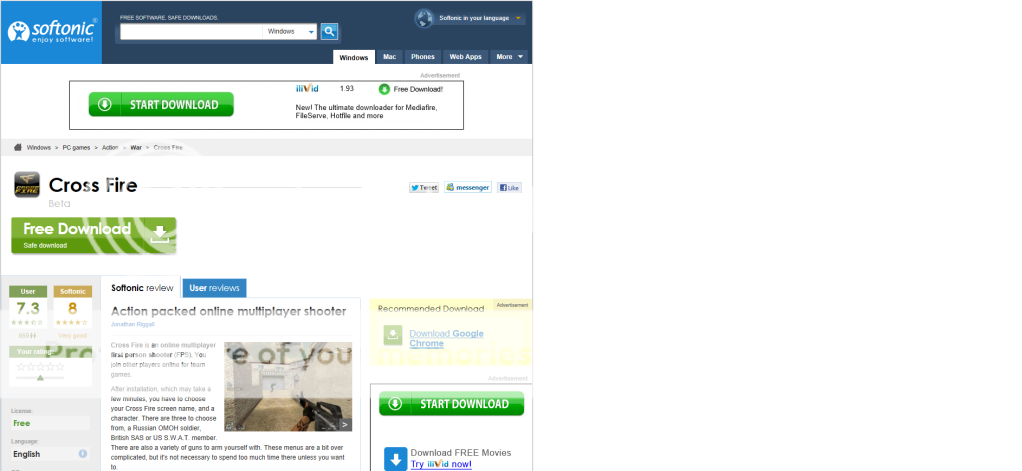
Looks like a winner. So I start download... and it looks like a normal download: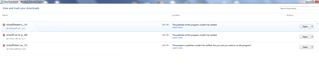
But after, instead of launching or asking me to run downloader or whatever, it wants to know which program should open it with: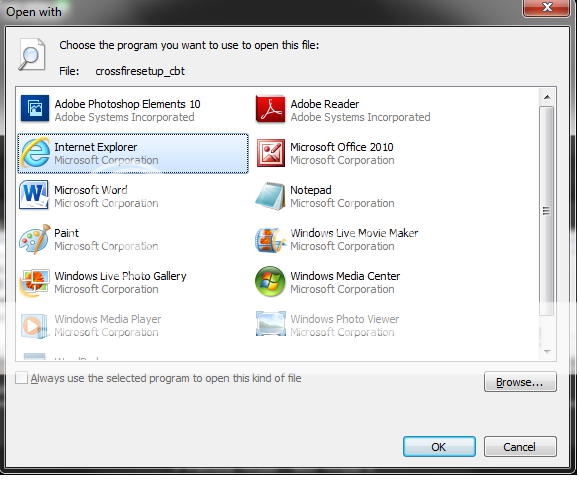
I go "Idk!" I was using Internet Explorz so, I thought Explorz would be the one to make it work. I clicked that, and it says:
"Publisher of this program couldn't be varified. Are you sure you want to run the program?" But there is no option for "Run Program" ,It just says "Open" or "Save"...
So I click open... and it takes me around the loop again, by asking "Which program do you want to use to open?" (Sigh) It's annying...
I know, I know. Alot of screenshots, it look crazy... But it's alot of good info, so help me maybe?
I hope this was helpfull to anyone that has the kno-how to help me fix the problem... guess, just for now... it's back to Toontown... -
Giggletron wrote: »Is your ISP blocking all traffic to Crossfire or something?
Either that or your firewall isnt allowing traffic to or back from that site.
(Sigh) That's what I thought too, so... (Screenshot Time! Yay!)
I went to security tab in Internet Options: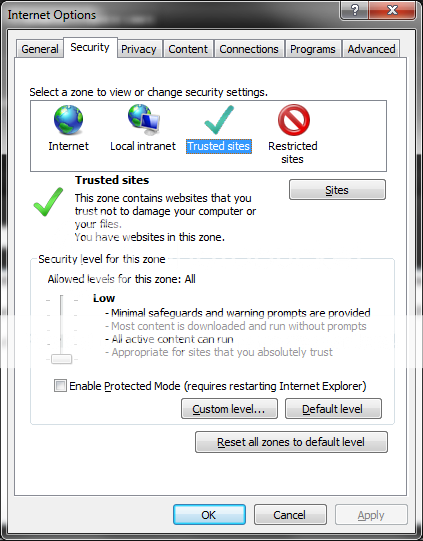
And went to trusted sites, went to add site... typed in the download page for Crossfire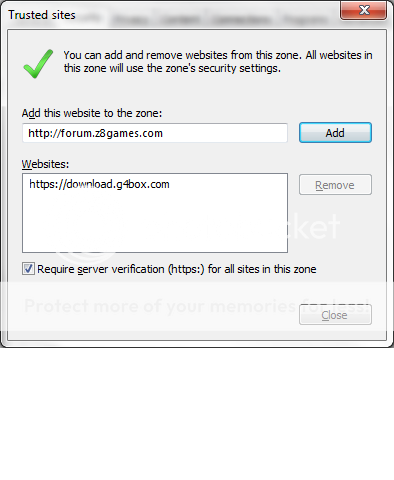
and clicked allow or apply, whetvere. Then reloaded the page untill Enternet Exploz crashed and it still gave me the same error... (Sigh) I DON'T KNOW! -
Giggletron wrote: »Im not sure why thats doing that...
What file type is the Softonic file?
I'm not sure, but i just noticed the link might be outdated. If you look at the screen shot of the site, it says "BETA" right above download... maybe it was the beta version of the game and you guys changed formats sence then so there is no downloader for it... maybe? Idk honestly... -
-
Giggletron wrote: »Generally those sites are just linked to Crossfires download links.
Well he was right though, I found one. Download.com and it downloaded the... downloader, BUT when it started, and error window poped up saying "Error Cannot Get Updates" Or something like that... i have the screenshot, but I'm tired... -
I'll show you anyway...
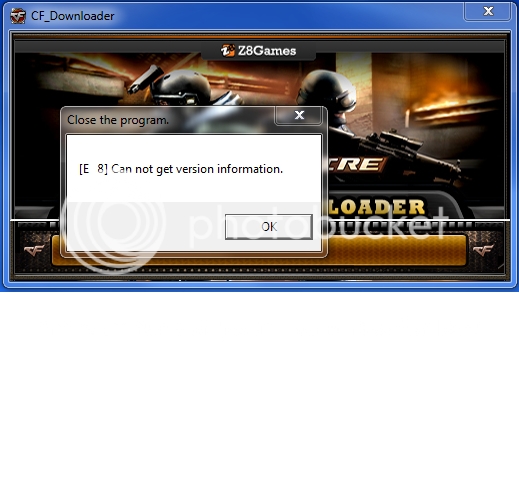
See?? Something is stopping me from accessing the freaking server! AND I DON'T KNOW WHY IT'S JUST US/UK CROSSFIRE!! I DOWNLOADED THE EU ONE AND IT WORKS, BUT JUST NOT IN MY REGEIN!!! AHHHHH!!! WHY AM I BEING BEATEN BEFORE I EVEN PLAY THE GAME???? -
Oh... I got it! FREAKING SOLVED! It was that damn McAfee messing up everything... even my access to sites... like really?? Anyway... I fixed it, I'm downloading now...
IF THIS EVER HAPPENS TO YOU, BLAME MCAFEE... THEY ARE ANNOYING!
Anti Virus scanners act a lot like firewalls in a lot of cases!
I'm glad you were able to solve this. To note, some of the alternate download sites we have used in the past have been incredibly slow and are difficult to communicate updates to on a regular basis. So those incredibly old versions are incompatible with the p2p downloader we have now. -
[GM]Saidin wrote: »Anti Virus scanners act a lot like firewalls in a lot of cases!
I'm glad you were able to solve this. To note, some of the alternate download sites we have used in the past have been incredibly slow and are difficult to communicate updates to on a regular basis. So those incredibly old versions are incompatible with the p2p downloader we have now.
Well he solved it and you didn't close it?... -
[gm]saidin wrote: »anti virus scanners act a lot like firewalls in a lot of cases!
I'm glad you were able to solve this. To note, some of the alternate download sites we have used in the past have been incredibly slow and are difficult to communicate updates to on a regular basis. So those incredibly old versions are incompatible with the p2p downloader we have now.
Yes, I am having that problem right now! It is unable to patch! I think this should work though...
Basicly to solve Firewall problems, just turn it off untill your done downloading EVERYTHING! (Even Patches!) Then, add all the programs to the 'Full Access' List on your Anti-Virus/Firewall (Or whatever you have protecting your computer), and turn it back on... You 'SHOULD' be good to go... I'mma 'bout to see now... =D -
Yes, I am having that problem right now! It is unable to patch! I think this should work though...
Basicly to solve Firewall problems, just turn it off untill your done downloading EVERYTHING! (Even Patches!) Then, add all the programs to the 'Full Access' List on your Anti-Virus/Firewall (Or whatever you have protecting your computer), and turn it back on... You 'SHOULD' be good to go... I'mma 'bout to see now... =D
I thought you had checked your AntiVirus :S
I suggest getting rid of MacAfee... worst... av... ever.
Get MSE or Avira





Categories
- All Categories
- Z8Games
- Off-Topic - Go To Game OT Forums
- 1 Z8 Forum Discussion & Suggestions
- 16 Z8Games Announcements
- Rules & Conduct
- 5.4K CrossFire
- 1K CrossFire Announcements
- 1K Previous Announcements
- 2 Previous Patch Notes
- 1.4K Community
- 121 Modes
- 619 Suggestions
- 86 Clan Discussion and Recruitment
- 276 CF Competitive Forum
- 19 CFCL
- 26 Looking for a Team?
- 738 CrossFire Support
- 62 Suggestion
- 124 Bugs
- 29 CrossFire Guides
- 173 Technical Issues
- 47 CrossFire Off Topic