Timeskip (Community Project)
![[Rory]](https://z8games.akamaized.net/cfna/forum/customavatars/17/navatar_3095917.gif)
Hello! Doing a little community project (originally was going to be me only but hey) for the moment and could do with some help! Don't worry you don't have to do a great deal and you don't HAVE to participate  .
.
What do I need to do?
There are a couple of things I need you to do.
First off download this program
http://www.mediafire.com/?v69c4qp6rly28xj
This program (Delayed Capture) automatically takes screenshots over a set amount of time (i've set it to 2 seconds, don't change this) and outputs them to a specific folder on your computer.

Open up the Settings.ini file included in the zip. Change the "name" field to be either your forum name or your IGN with a _ after it (this will name each screenshot with your name as the prefix e.g. Rory_0001.jpg). This will be how I credit you in the final piece. Please note if your IGN has *'s in it or other strange characters you will not be able to save the images with that name, use your forum name instead.

Now open up CrossFire. Find ANY game you want, use ANY weapon or character you want and set Delayed Capture running.
If you're running on a very small amount of disk space then you may want to test it out first on a quick game, it doesn't use a great deal of storage but I know how amazing some of your computers are .
.
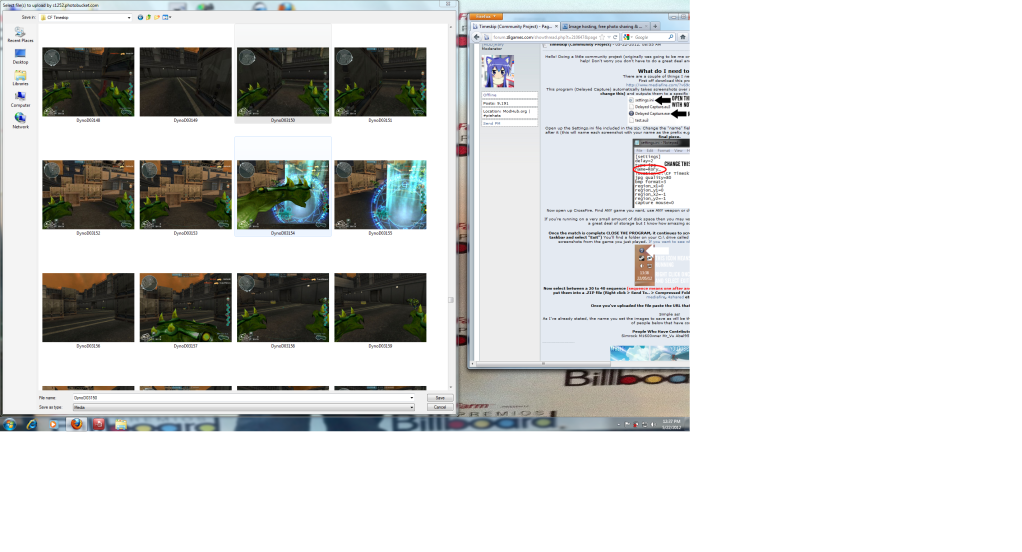
Once the match is complete CLOSE THE PROGRAM, it continues to screenshot automatically! (right click the icon in your taskbar and select "Exit") You'll find a folder on your C:\ drive called "CF Timeskip". Open that up and there will be the screenshots from the game you just played. If you want to see what the folder should look like then click here.

Now select between a 20 to 40 sequence (sequence means one after another) of images that you think is the best there and put them into a .ZIP file (Right click > Send To.. > Compressed Folder). Upload this file to a file sharing site such as mediafire, 4shared etc.
Once you've uploaded the file paste the URL that it gives you into this thread!
Simple as!
As I've already stated, the name you set the images to save as will be the name you are credited as. I'll also be putting a list of people below that have contributed.
People Who Have Contributed So Far
Simrock M1600wner Mr_Vu Abel95 DarkAvengerr blackthunda SweetTea XD*killer*XD Samurai_Mo chainspit S1X6 TyIer c0utex laertus TurboDman
.What do I need to do?
There are a couple of things I need you to do.
First off download this program
http://www.mediafire.com/?v69c4qp6rly28xj
This program (Delayed Capture) automatically takes screenshots over a set amount of time (i've set it to 2 seconds, don't change this) and outputs them to a specific folder on your computer.
Open up the Settings.ini file included in the zip. Change the "name" field to be either your forum name or your IGN with a _ after it (this will name each screenshot with your name as the prefix e.g. Rory_0001.jpg). This will be how I credit you in the final piece. Please note if your IGN has *'s in it or other strange characters you will not be able to save the images with that name, use your forum name instead.
Now open up CrossFire. Find ANY game you want, use ANY weapon or character you want and set Delayed Capture running.
If you're running on a very small amount of disk space then you may want to test it out first on a quick game, it doesn't use a great deal of storage but I know how amazing some of your computers are
.Once the match is complete CLOSE THE PROGRAM, it continues to screenshot automatically! (right click the icon in your taskbar and select "Exit") You'll find a folder on your C:\ drive called "CF Timeskip". Open that up and there will be the screenshots from the game you just played. If you want to see what the folder should look like then click here.
Now select between a 20 to 40 sequence (sequence means one after another) of images that you think is the best there and put them into a .ZIP file (Right click > Send To.. > Compressed Folder). Upload this file to a file sharing site such as mediafire, 4shared etc.
Once you've uploaded the file paste the URL that it gives you into this thread!
Simple as!
As I've already stated, the name you set the images to save as will be the name you are credited as. I'll also be putting a list of people below that have contributed.
People Who Have Contributed So Far
Simrock M1600wner Mr_Vu Abel95 DarkAvengerr blackthunda SweetTea XD*killer*XD Samurai_Mo chainspit S1X6 TyIer c0utex laertus TurboDman
Comments
-
Doing this later, im on my mobile atm. Some little spoiler what will happen with it?
Edit: Is there a problem if i change the place for the pics to \ in settings?
No that's fine, I just put C:\CF Timeskip to make it easier for people, by all means change it to whatever you want (it won't change the images).
& no spoilers ^^. -
-
-
DarkAvengerr wrote: »
Sorry guys, the ones you put up aren't a sequence (images that are one after another, there are several gaps between the images).
Yep it'll SS your whole game. Plus I said in the OP that you can go into ANY game using ANY weapon or character and send me ANY sequence.Panda_Love wrote: »Sry, but i got a question..
So it will SS my whole game?
Do I need to play like pro and own everyone or? -
![[MOD]Simrock](https://z8games.akamaized.net/cfna/forum/customavatars/53/navatar_3104553.gif)


![]Impaled[](https://z8games.akamaized.net/cfna/forum/customavatars/41/navatar_4299241.gif)


 ...
... 
Categories
- All Categories
- Z8Games
- Off-Topic - Go To Game OT Forums
- 1 Z8 Forum Discussion & Suggestions
- 16 Z8Games Announcements
- Rules & Conduct
- 5.3K CrossFire
- 1K CrossFire Announcements
- 1K Previous Announcements
- 2 Previous Patch Notes
- 1.4K Community
- 121 Modes
- 618 Suggestions
- 86 Clan Discussion and Recruitment
- 276 CF Competitive Forum
- 19 CFCL
- 26 Looking for a Team?
- 737 CrossFire Support
- 62 Suggestion
- 123 Bugs
- 29 CrossFire Guides
- 173 Technical Issues
- 47 CrossFire Off Topic