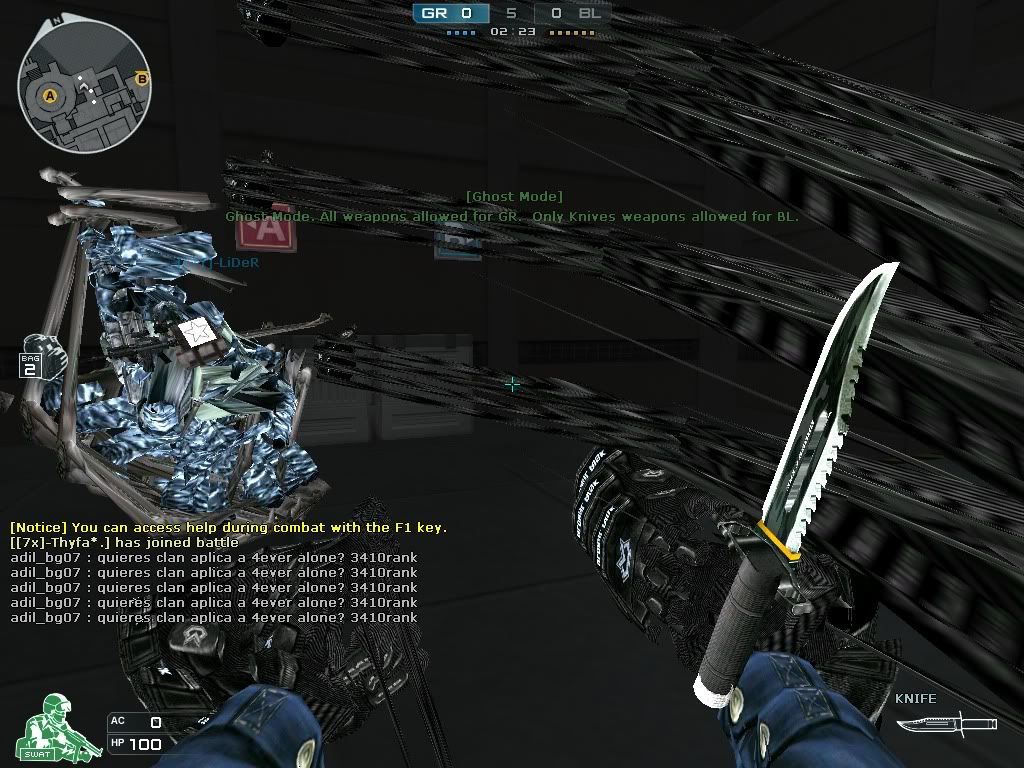
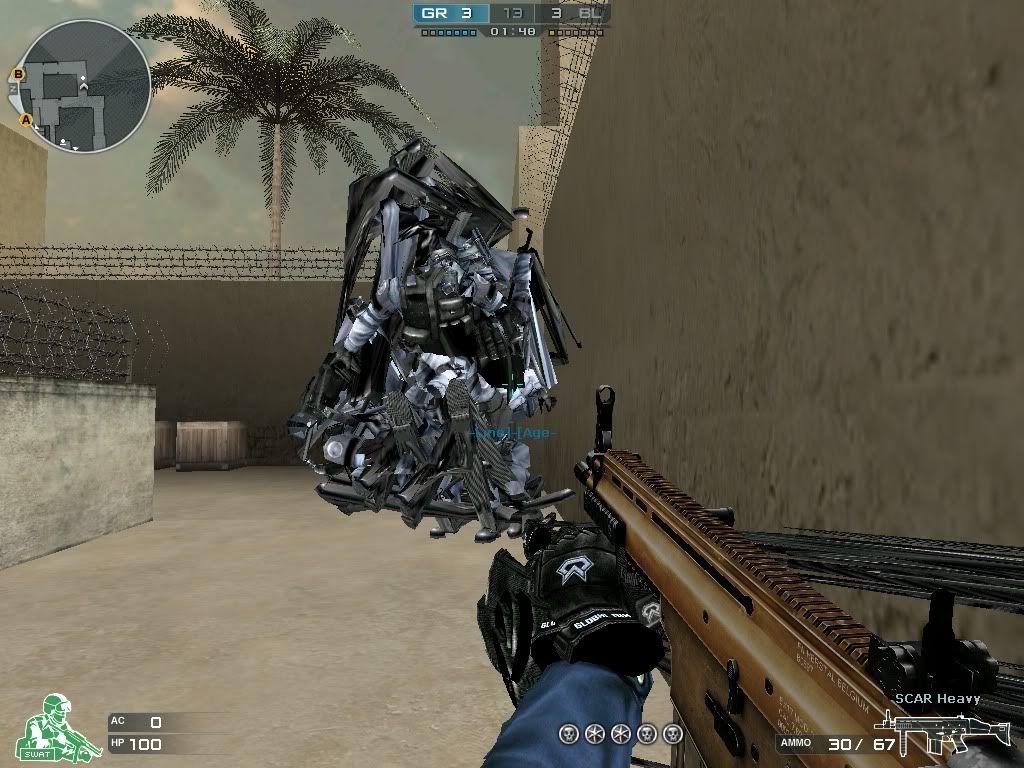
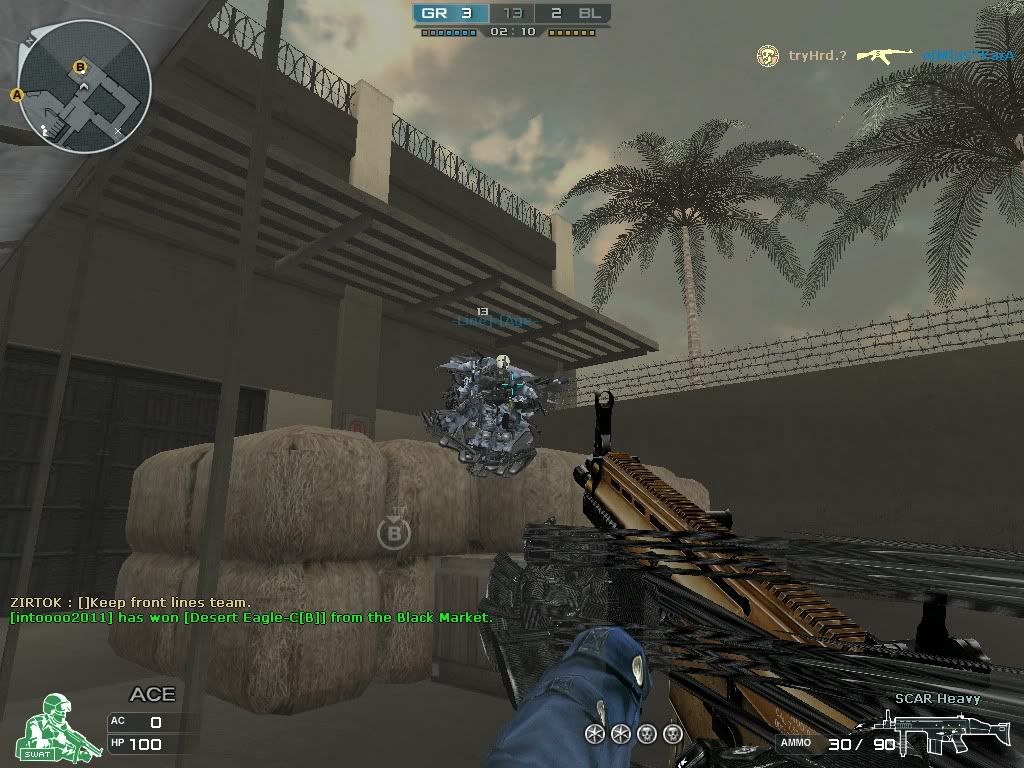
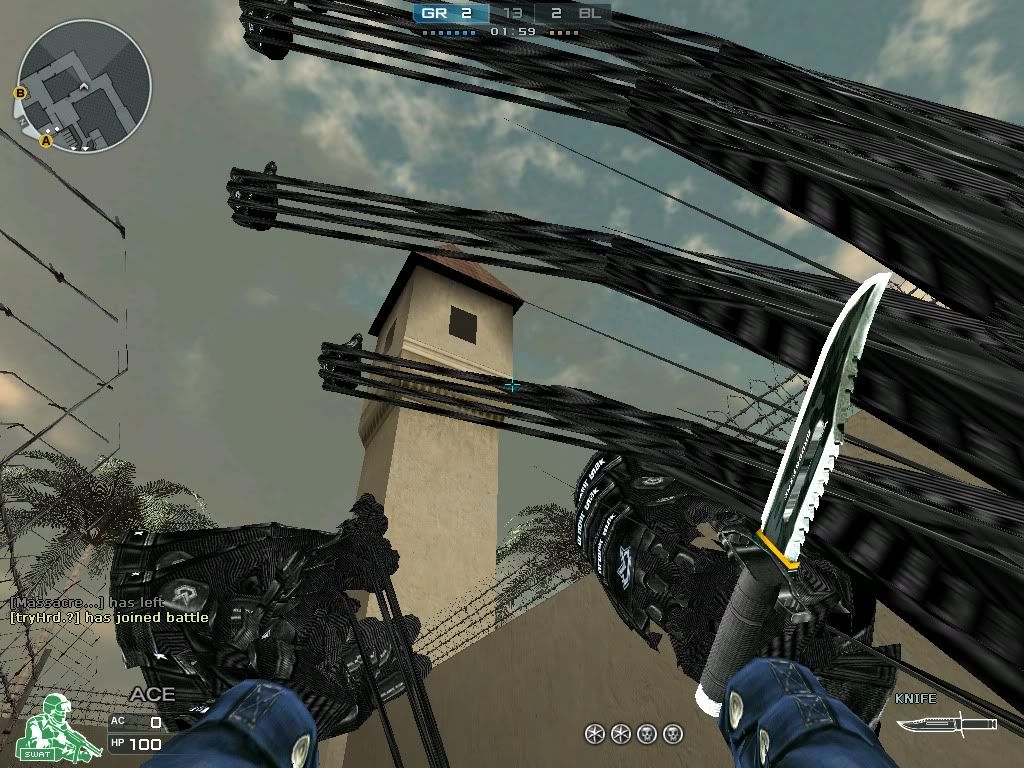
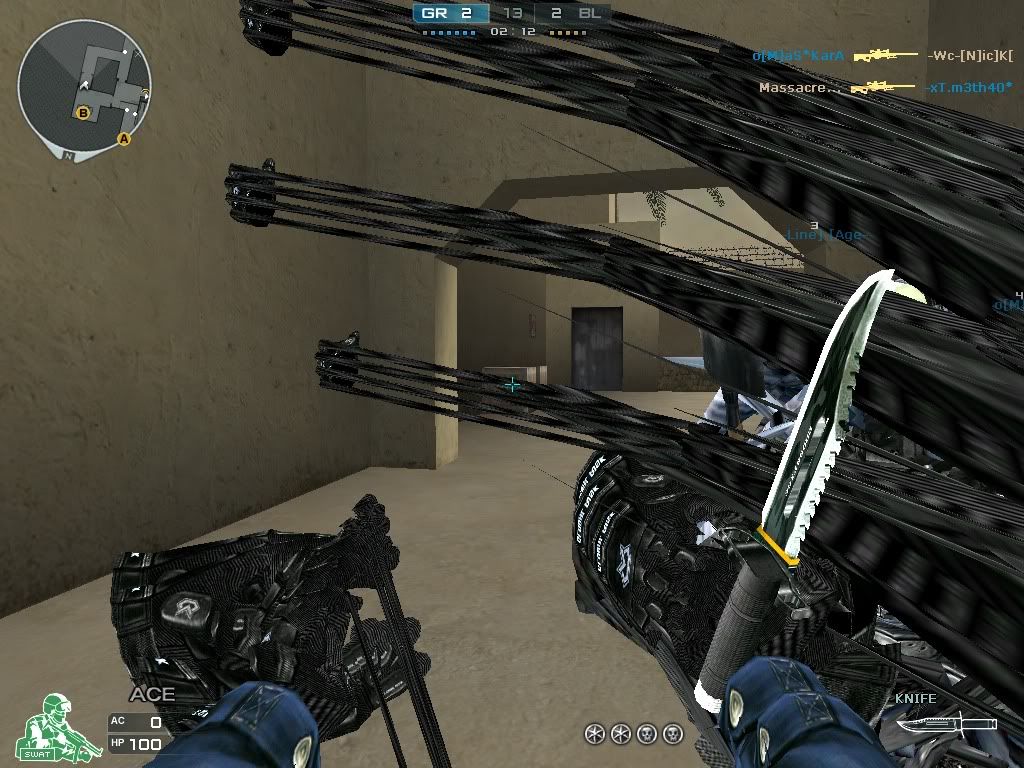
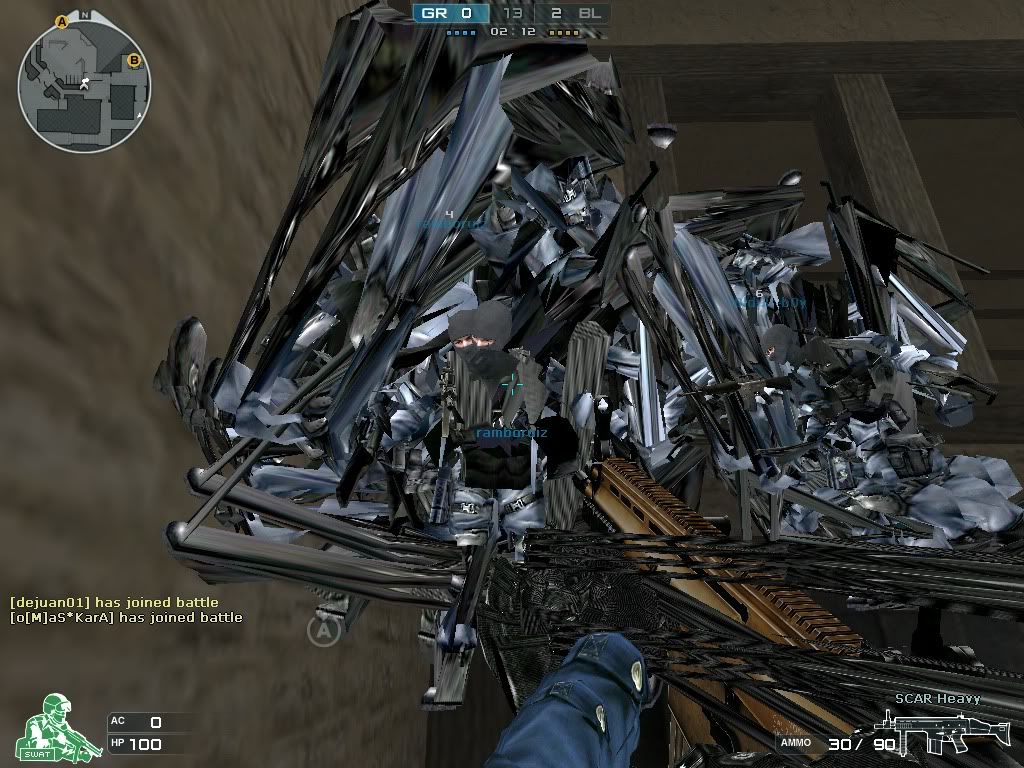
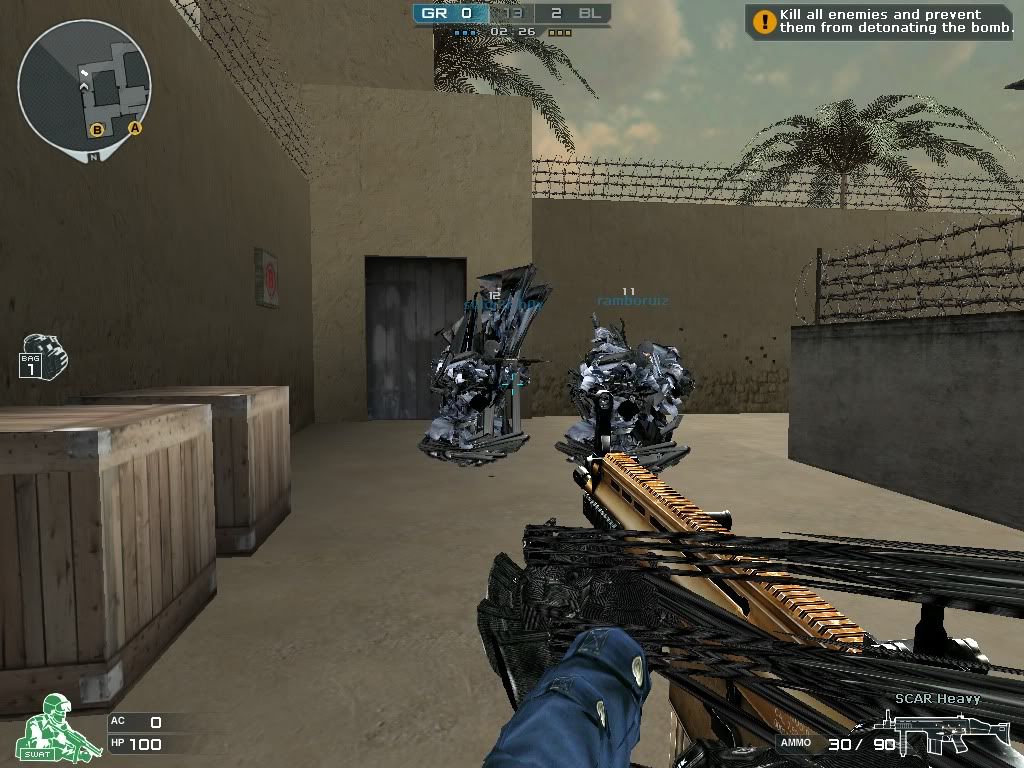
Bugs Mode Robots

Comments
-
I am new to crossfire and do not know why I get this error, I see videos on youtube and is not so.
need your help, I want to know if anyone has gone well, I need a solution to play.
This utility Enables all users to boost graphics card MSI Did you try MSI performance graphics card performance booster? Increase your graphics card's Afterburner performence up to 90% by overclocking.
http://event.msi.com/vga/afterburner/index.htm
1.Go
2.Download & Discussion
3.Download MSI Afterburner v2.1.0 (2011-02-15)
-
Crossfire doesn't use DirectX. It uses OpenGL. Have you uninstalled and reinstalled the game? The textures in the .rez files could be corrupt.update all the drivers of my pc and direct X lastest version, delete temporary files and optimizated my pc with Advanced System Care Pro 5.1 -
There's no doubt about it. It's distance. Press insert to get names above peoples' heads, press it again to get distance.Phillybear wrote: »I doubt that... one of the screenies (5th one) shows two names, one with 3 and one with 4 above it. Look at the map and you can see that there's only 1 teammate nearby, the others are all far away. -
There's no doubt about it. It's distance. Press insert to get names above peoples' heads, press it again to get distance.
The 4 will be cut off from a larger number then I guess.... (Insert doesn't work in CF on my laptop, so it's stuck on only showing names.) -
Phillybear wrote: »The 4 will be cut off from a larger number then I guess.... (Insert doesn't work in CF on my laptop, so it's stuck on only showing names.)
If you're laptop keyboard is anything like mine then the delete and insert key are one and the same. Try function+delete.
Fn+delete = insert on my keyboard. -
' wrote:dvda[;2772063']If you're laptop keyboard is anything like mine then the delete and insert key are one and the same. Try function+delete.
Fn+delete = insert on my keyboard.
I have a delete key and an insert key. Neither of them respond in CF though, no matter whether I put my keyboard on English (US) or any other setting... And neither has an Fn function. I already tried shift/altgr/ctrl/fn + insert, but no response. -
Phillybear wrote: »I have a delete key and an insert key. Neither of them respond in CF though, no matter whether I put my keyboard on English (US) or any other setting... And neither has an Fn function. I already tried shift/altgr/ctrl/fn + insert, but no response.
Weird. I don't know what to tell you homes.





 It doesn't matter, I'm used to the way it looks now. Although the A and B for the bombsites sometimes annoy me when they get in the way.
 Categories
- All Categories
- Z8Games
- Off-Topic - Go To Game OT Forums
- 1 Z8 Forum Discussion & Suggestions
- 16 Z8Games Announcements
- Rules & Conduct
- 5.2K CrossFire
- 955 CrossFire Announcements
- 950 Previous Announcements
- 2 Previous Patch Notes
- 1.4K Community
- 122 Modes
- 602 Suggestions
- 85 Clan Discussion and Recruitment
- 274 CF Competitive Forum
- 19 CFCL
- 26 Looking for a Team?
- 705 CrossFire Support
- 52 Suggestion
- 116 Bugs
- 29 CrossFire Guides
- 166 Technical Issues
- 47 CrossFire Off Topic